tada.computer
A computer your kids can't break. Built together with families like yours.
Made for making time, not screen time — one friendly OS with apps from teachers, dev-parents, studios, and one determined dad at midnight.
tada.computer
Made for making time, not screen time — one friendly OS with apps from teachers, dev-parents, studios, and one determined dad at midnight.
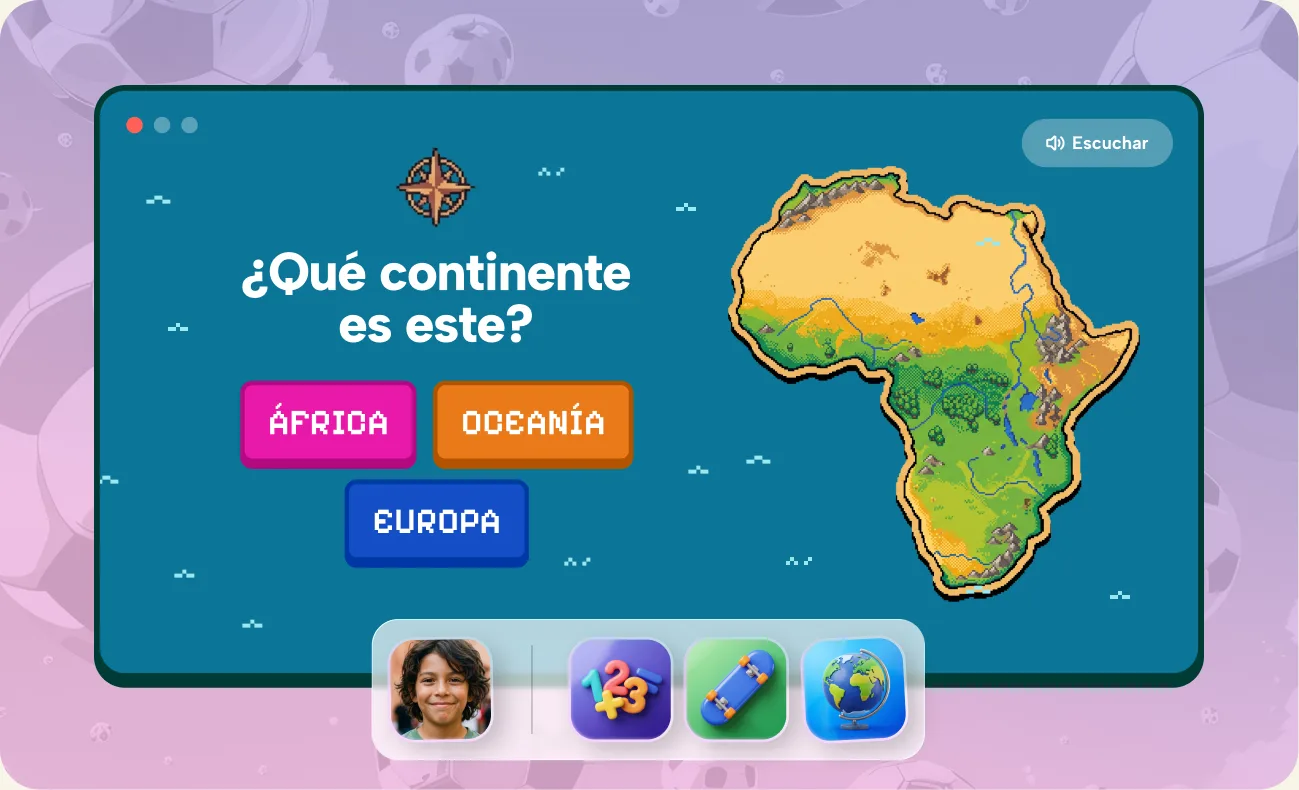
Create a personal Tada desktop for each child. Tada adapts to their age, language and school level, while you stay in control of the apps and AI features they can access.
Every child gets their own desktop, tailored to their age, language and learning level. Parents add kids, switch profiles and choose what's on each.
Switch to profile
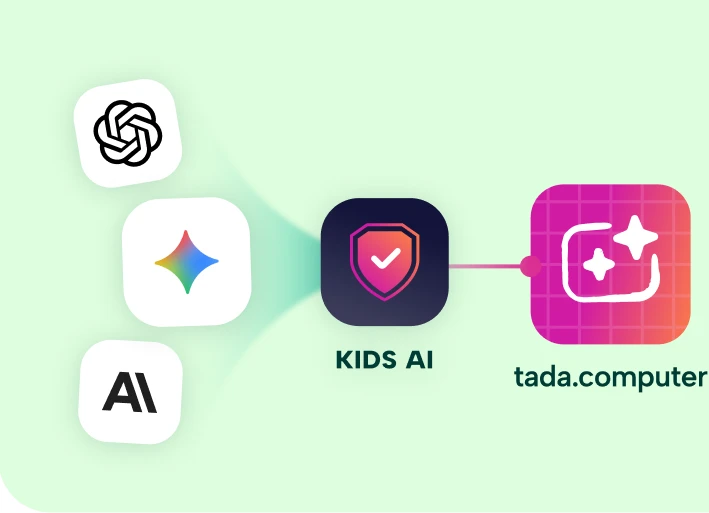
Creative AI, safely inside Tada's guardrails — available only in selected experiences, never as an open chatbot or gateway to the internet. Parents use built-in tokens or their own AI keys.
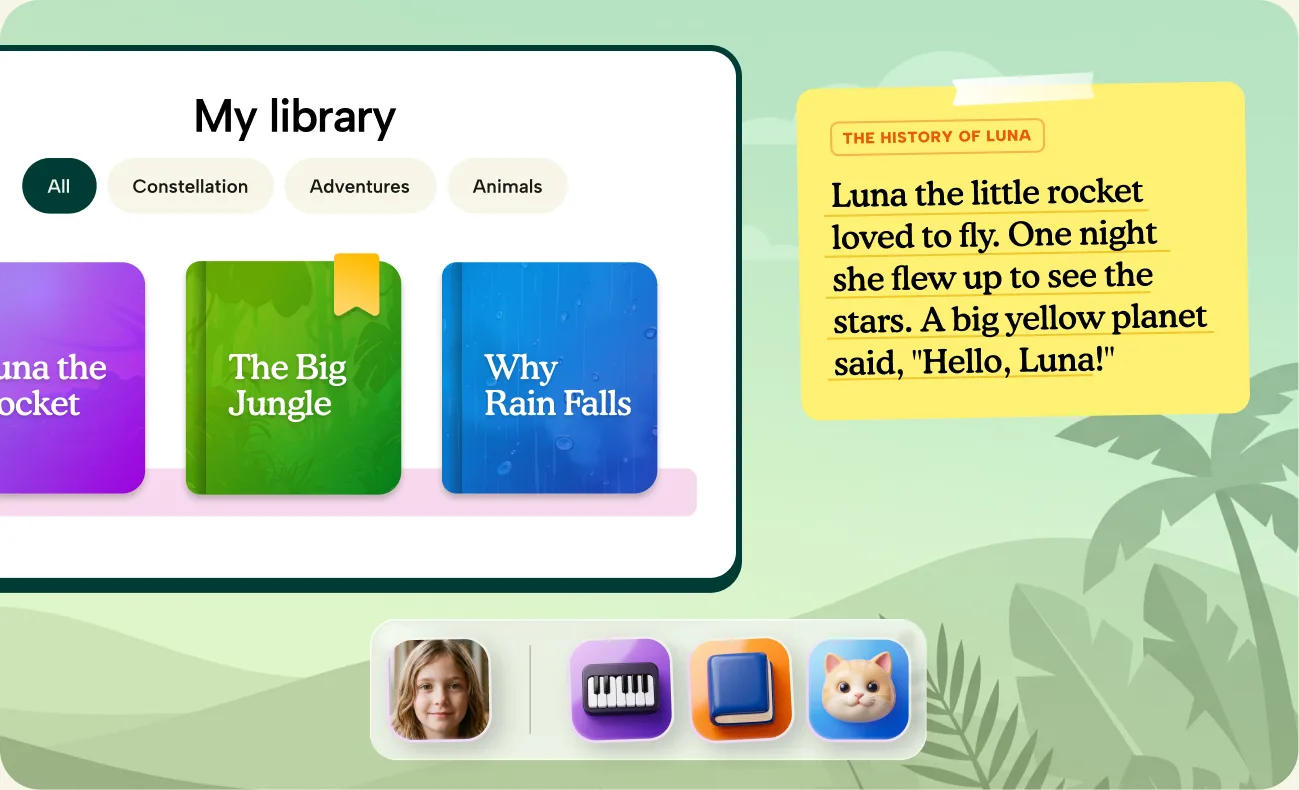
Kids create without ever losing their work — every project is safely stored in Tada, ready to continue anytime.
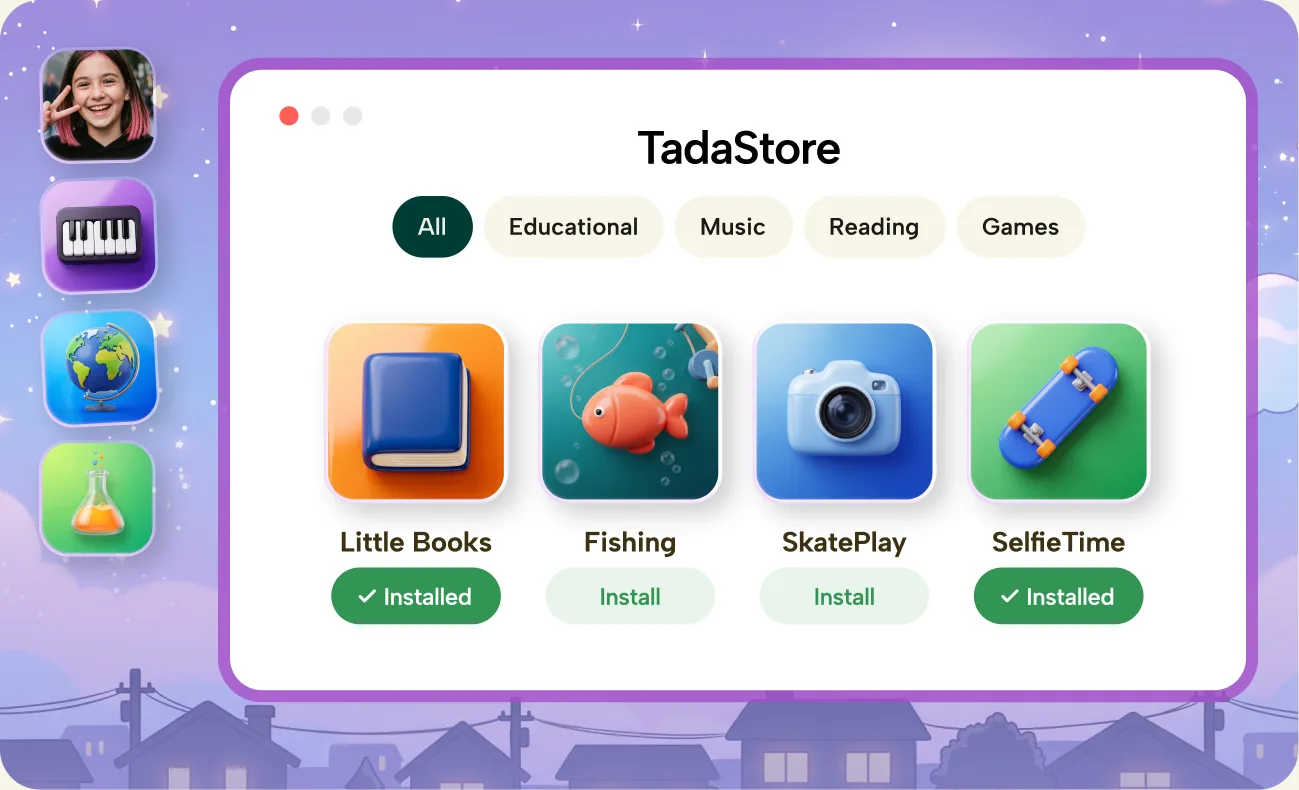
Kids can explore new apps and experiences in the Tada Store and install them with a single click.
You don't need to be an experienced developer to make something special for your child. Build your first app with tools like Cursor. We provide everything you need to get started:

Built in apps created or vetted by the Tada team.
These apps are deeply integrated into the Tada ecosystem and can use features such as saved projects, child profiles, educational context and trusted AI controls.

Approved online experiences that open safely inside Tada.
Selected online experiences that open safely inside Tada, giving children access to trusted parts of the web without an unrestricted browser.

This is where you add your own magic to Tada.
These can include something a parent built with AI, a personal family project or a trusted link they want their children to explore.
Tada Brain soon
The Curriculum Brain provides the building blocks that match how children are really taught, across countries and school systems.




@tada.computer make a spelling game where kids pick the correctly spelled word — Dutch & English, age 8 to 10

Curriculum
Brain
 Word Match
One app that grows
with the kid
 Local school levels and curriculum expectations Teaching methods that match real school learning Reusable building blocks for exercises and apps
 Kenji
Kenji6 years
pick by sound

 Chloé
Chloé12 years
pick by rule
It's bounded by design. The AI lives inside creative tools with guardrails on every side, never counts on a child phrasing things safely, and gently redirects when a topic isn't for kids. You can review everything it made together with your child.
No. Tada is a full desktop built for kids — the AI is just one ingredient, locked inside creative tools. There's no open chat window, no browser behind it, and the OS works fine with the AI switched off entirely.
Never. No ads, no data sales, no training on your child's creations. What your family makes belongs to your family — it stays in your Tada and only leaves when you export it.
It's making time, not scrolling time. Kids draw, write, build and play with things they create themselves — and you set the schedule per child with the built-in timer.
Yes — the core of Tada is open source and always will be. You can read the code, run it yourself, and see exactly what your kids' computer is doing.
Early access is free. Later we want a small subscription for families, and the core stays open source.









 Installed